
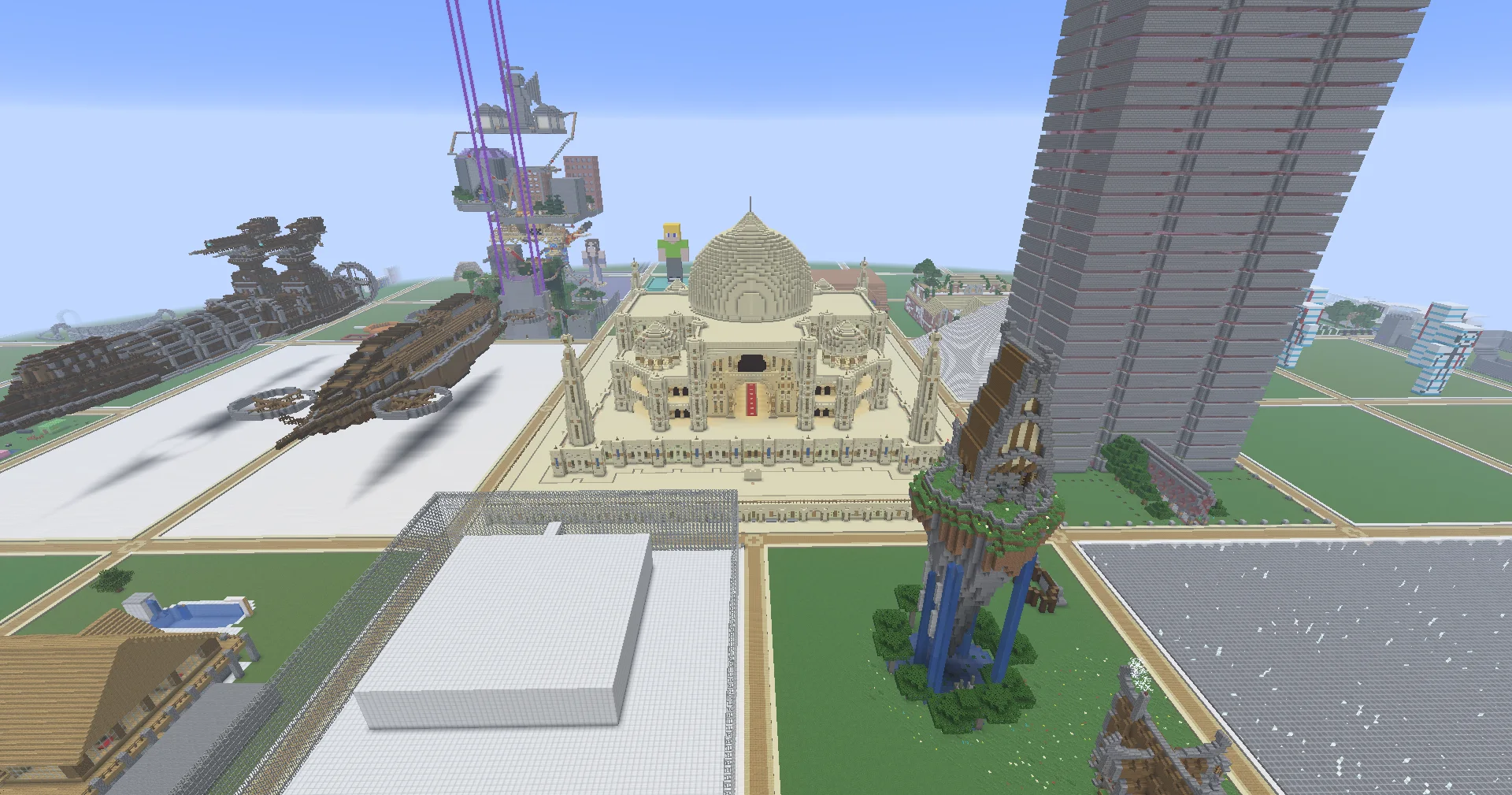
Your adventure, at your pace.
Claim a plot, find your palette, and turn that idea you have been imagining into something you can walk through.
Use /plot auto to find an available plot, then /plot to manage it. Review the land you are standing on, claim an available plot, or find your existing projects. Manage access deliberately: a friendship alone does not give someone permission to build.
Optional Journey milestones connect your building and exploration to the wider network. There is no required build order or story path.
Frequently asked questions
Progression
Creative building with optional Journey milestones.
How are my builds protected?
Plot claiming and access management through /plot. Each plot can have up to 10 added and 10 trusted players. Add collaborators deliberately.
Do my items move between realms?
Each realm has its own inventory. Creative items do not carry into Survival. Prison and Minigames keep their own items and progress.
Your first plot
Use /plot auto to find an available plot within your allowance. Use /plot to manage your plots and access.
Building tools
On plots you own, use //copy, //paste, //stack, shapes, //undo and //redo, and /setblock or /fill for up to 32,768 blocks at a time. Merge neighboring plots you own with /plot merge, up to 4 into one. Open /plot → Manage Current Plot → Plot Settings to change plot settings, including whether fire can burn blocks.
More questions? Read the network FAQ
A connected world.
Return to Hub to choose another public realm. Your optional MystiKraft Journey records public-realm milestones; each realm keeps its own character.