Open Minecraft
Java: choose Multiplayer. Bedrock: open Play, then Servers, where your device offers Add Server.
Add MystiKraft
Enter play.mystikraft.com. Bedrock uses port 19132; Java uses its normal server port.
Find your realm
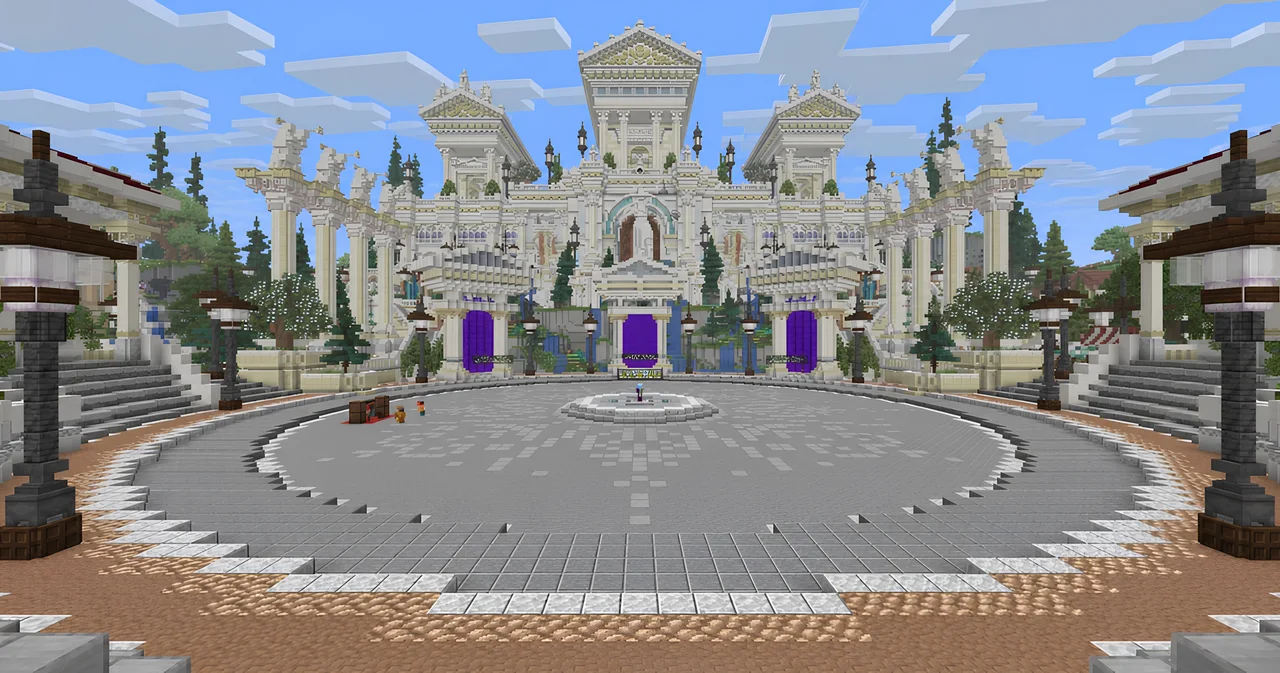
Join the server, then use /server to choose Prison, Minigames, Survival or Creative from Hub — The Nexus.
Java Edition
Minecraft Java Edition · 26.3 recommended. Supported Java versions: 1.18–26.3.
Java versions older than 1.18 cannot join. Older versions from 1.18 onward connect through compatibility translation, so a few newer blocks and features may look different; use 26.3 for the best experience.
Bedrock Edition
Bedrock players use play.mystikraft.com with port 19132. Where Add Server is available, enter both fields. Device and console menus differ; ask for help if that option is missing.
On devices with Add Server, enter MystiKraft as the name, play.mystikraft.com as the address and 19132 as the port. If you see a version error, share the exact message and client version in your help request.
Before your first adventure
Read the community rules. In game, /server opens realm selection. Your player handbook is here whenever you need a little direction.
Frequently asked questions
Which Minecraft versions can I use?
Minecraft Java 1.18–26.3 is supported. We recommend 26.3. Java versions older than 1.18 cannot join. Older versions from 1.18 onward connect through compatibility translation, so a few newer blocks and features may look different; use 26.3 for the best experience.
Bedrock players use play.mystikraft.com with port 19132. Where Add Server is available, enter both fields. Device and console menus differ; ask for help if that option is missing.
Do I need mods or a resource pack?
No. A modpack or server resource pack is not required. Java and Bedrock players can join using their normal Minecraft client.
Do I need Discord to play?
No. Discord is optional for joining the Minecraft network. It is where you can find community conversation, status updates and staff support; the player handbook is also available on the web.
Having trouble connecting?
Check the address is exactly play.mystikraft.com, without spaces or https://. Use the hostname rather than an IP address. Check server status and visit Help & support if you still need a hand.
For a connection problem, include Java or Bedrock, your device, the client version and the exact error. Never share passwords or account-link codes in public.