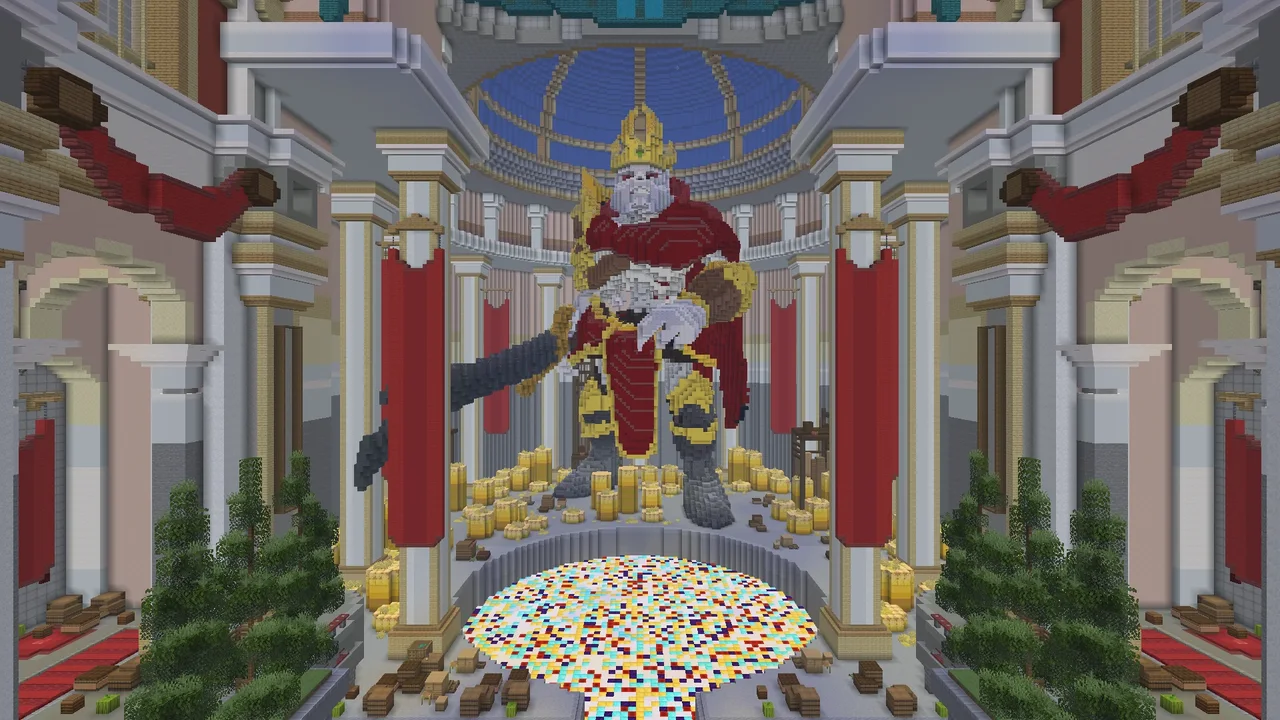
Prison
Emberstone Isle
Mine blocks, sell them for Gems and unlock the next mine. Upgrade your personal pickaxe, climb ranks A–Z across 25 mines, and choose optional prestige after Z.
Explore PrisonWorlds ready to explore. Space for your next build.
Choose where to begin, and help shape a new community.
play.mystikraft.comJava 1.18–26.3 supported26.3 recommended · Bedrock port 19132
A quiet homestead, a sprawling masterpiece, or a path into the unknown. Start where you feel at home.
Mine blocks, sell them for Gems and unlock the next mine. Upgrade your personal pickaxe, climb ranks A–Z across 25 mines, and choose optional prestige after Z.
Explore Prison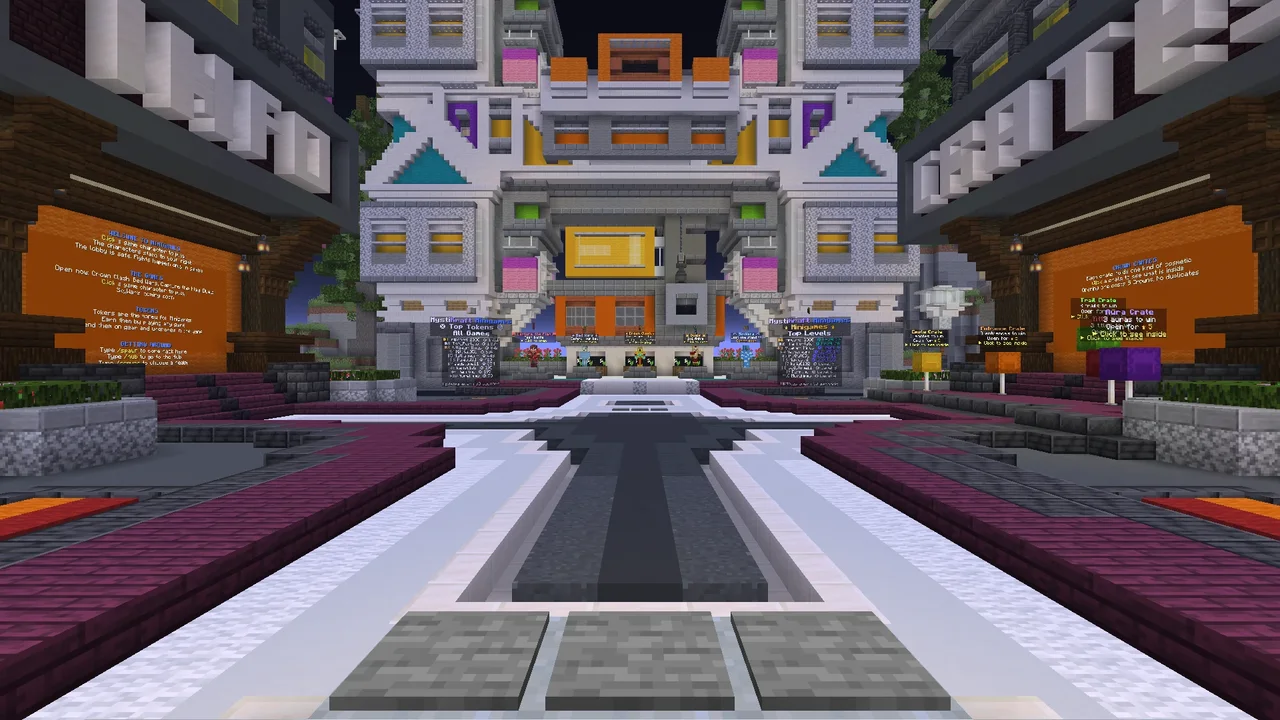
Play Crown Clash, Bed Wars, Capture the Flag and 1v1 Duels with classic 1.8-style combat. Earn Tokens and raise your Minigames level.
Explore Minigames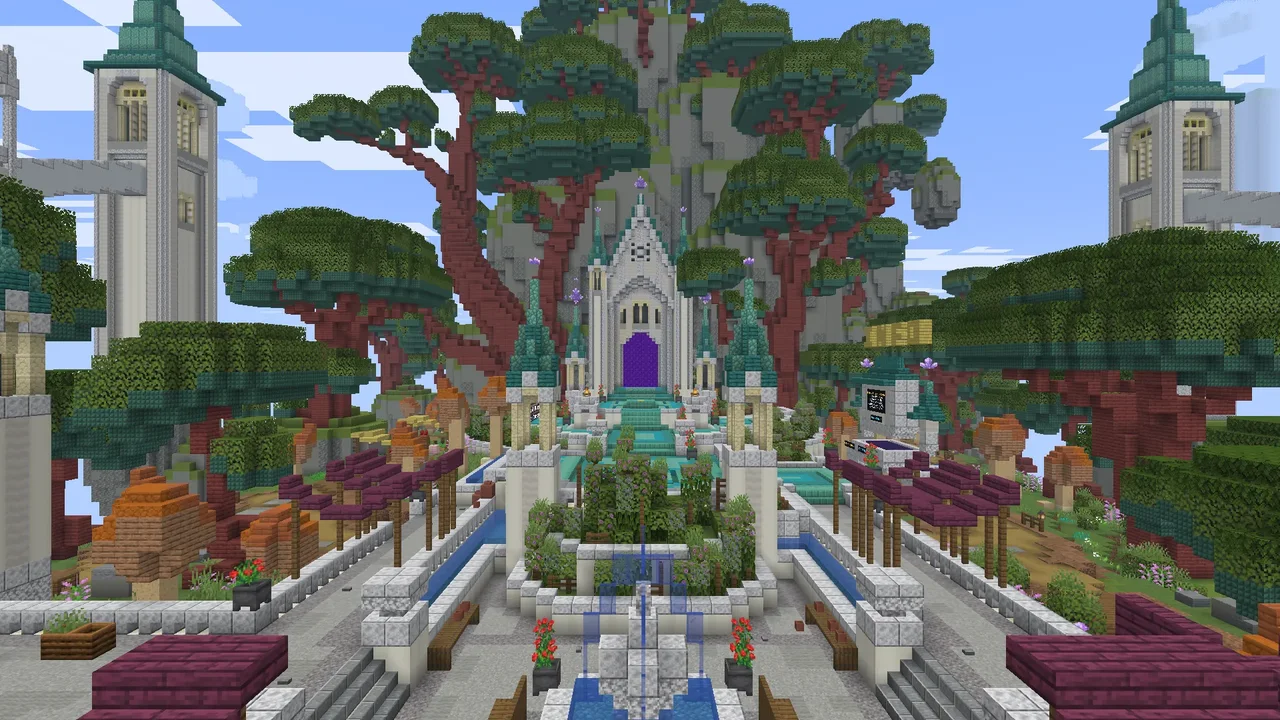
Start with a shelter. Grow into a settlement. Gather, build, train seven skills, and find your place in a shared world.
Explore Survival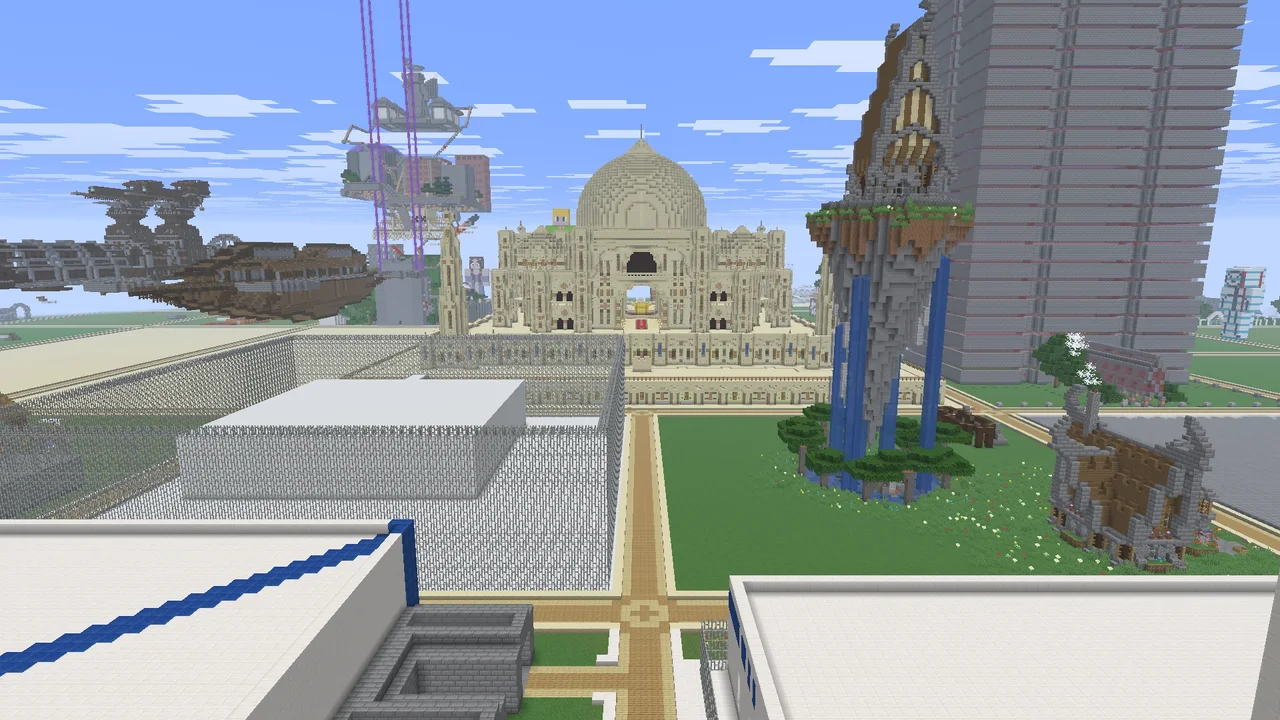
Claim a plot, find your palette, and turn that idea you have been imagining into something you can walk through.
Explore CreativeEvery mining session has a clear next step. Sell blocks for Gems, rank up to open the next mine, and make your pickaxe stronger.
Start with a free personal pickaxe and upgrade it at the Pickaxe Smith or with /upgrade.
Buy a backpack for 2,000 Gems, then add more space, Auto Pickup and Auto-sell.
Daily and weekly jobs, a weekly Mining Contest, treasure chests, geodes and Rush Hour selling.
Go back to rank A for a lasting +5% selling bonus. You keep your pickaxe, backpack and Gems.
Walk up to a game character in the Arcadia lobby to start. Every game uses classic 1.8-style combat, and every round earns Tokens.
Free-for-all PvP. Everyone fights everyone.
Protect your bed in Bed Wars, or take the other team’s flag in Capture the Flag.
Fight one other player, with kits and challenges.
Rounds earn Tokens and XP for your Minigames level. Rare Crowns never reset.
Keep the Minecraft you love. Add a little direction. Train your skills, follow the Verdant Oath, trade your surplus, and build something that feels like yours.
Train seven skills, unlock perks and tool upgrades, then choose mastery rewards or an optional skill restart.
Quests and daily contracts give your next adventure a purpose. Open /story to see your next step.
Preview a land claim with the width and height you need, check private chest locks, and settle into cooperative survival with PvP turned off.
Buy and sell 28 resources at the Resource Exchange, or trade through player listings and item requests. Review the price, quantity and fees first.
Claim a plot and build at your own pace, from a tiny redstone idea to your next ambitious project.
Use /plot auto to find a free plot, then manage it and who can build there with /plot.
Copy, paste, stack and shape on plots you own, and fill up to 32,768 blocks at a time.
Merge up to 4 neighboring plots into one, and add up to 10 helpers and 10 trusted players.
Build from Y=-64 to Y=319, and choose in Plot Settings whether fire burns blocks.
Minecraft Java 1.18–26.3 is supported. We recommend 26.3. Java versions older than 1.18 cannot join. Older versions from 1.18 onward connect through compatibility translation, so a few newer blocks and features may look different; use 26.3 for the best experience.
Bedrock players use play.mystikraft.com with port 19132. Where Add Server is available, enter both fields. Device and console menus differ; ask for help if that option is missing.
No. A modpack or server resource pack is not required. Java and Bedrock players can join using their normal Minecraft client.
No. Discord is optional for joining the Minecraft network. It is where you can find community conversation, status updates and staff support; the player handbook is also available on the web.
Read the rules, join play.mystikraft.com, and choose a realm with /server. For Prison, use /server prison and /guide. In Minigames, click a game character. In Survival, open /menu. In Creative, try /plot auto. Use /help whenever you need direction.
Check News in the game, the website News page or Discord #changelog for the latest changes. The handbook explains how to use each feature. Your current menus show the prices, limits and rewards that apply now.
Some Bedrock server-selection and NPC menus have an unresolved opening problem. If one fails, report the menu, what you selected, your device and Minecraft version in Discord #help. The handbook explains the current known issue.
Prison: You do not build in Prison. The lobby and the land around each mine are protected, so you mine only inside the mines. You cannot drop your backpack, and its contents stay with you when you die. If you lose your pickaxe, get it back with /upgrade → Recover pick. PvP is off.
Survival: Open /claim to adjust width, length, Up and Down, then review the boundary and price. Claims protect the selected volume at 0.15 Larks per block, rounded to whole Larks. Supported new chests lock privately on placement.
Creative: Plot claiming and access management through /plot. Each plot can have up to 10 added and 10 trusted players. Add collaborators deliberately.
Read each realm’s guide and the community rules before building.
Each realm has its own inventory. Creative items do not carry into Survival. Prison and Minigames keep their own items and progress.
Java: choose Multiplayer. Bedrock: open Play, then Servers, where your device offers Add Server.
Enter play.mystikraft.com. Bedrock uses port 19132; Java uses its normal server port.
Join the server, then use /server to choose Prison, Minigames, Survival or Creative from Hub — The Nexus.
Java 1.18–26.3 supported · 26.3 recommended · Bedrock port 19132
Be kind. Play fairly. Respect the things others make. These simple ideas shape MystiKraft, from your first hello to your biggest shared project.

Building MystiKraft, one block at a time.
Open Minecraft Java or Bedrock Edition, add our server, and find your way into MystiKraft.
New to multiplayer? Here’s how to joinThe new Survival spawn is open! Explore the shops, crates and community board, enjoy spawn boosts, and try the improved chairs.
Read article : Survival has a new spawn: Forgotten IslandsThe Prison realm is open to everyone. Mine, sell for Gems, unlock 25 mines and climb the ranks. Everyone starts fresh today.
Read article : Prison Is Now Open!Our recent update adds Bedrock crossplay, so Java and Bedrock players can play together on MystiKraft.
Read article : Bedrock Players, Welcome to MystiKraft!